Is my business data isolated from other accounts?
Yes. InvoiceHub is fully multi-tenant — every client, document, and catalog item is
scoped to your account alone. There is no shared or cross-account visibility.
Can I convert a Quotation into an Invoice?
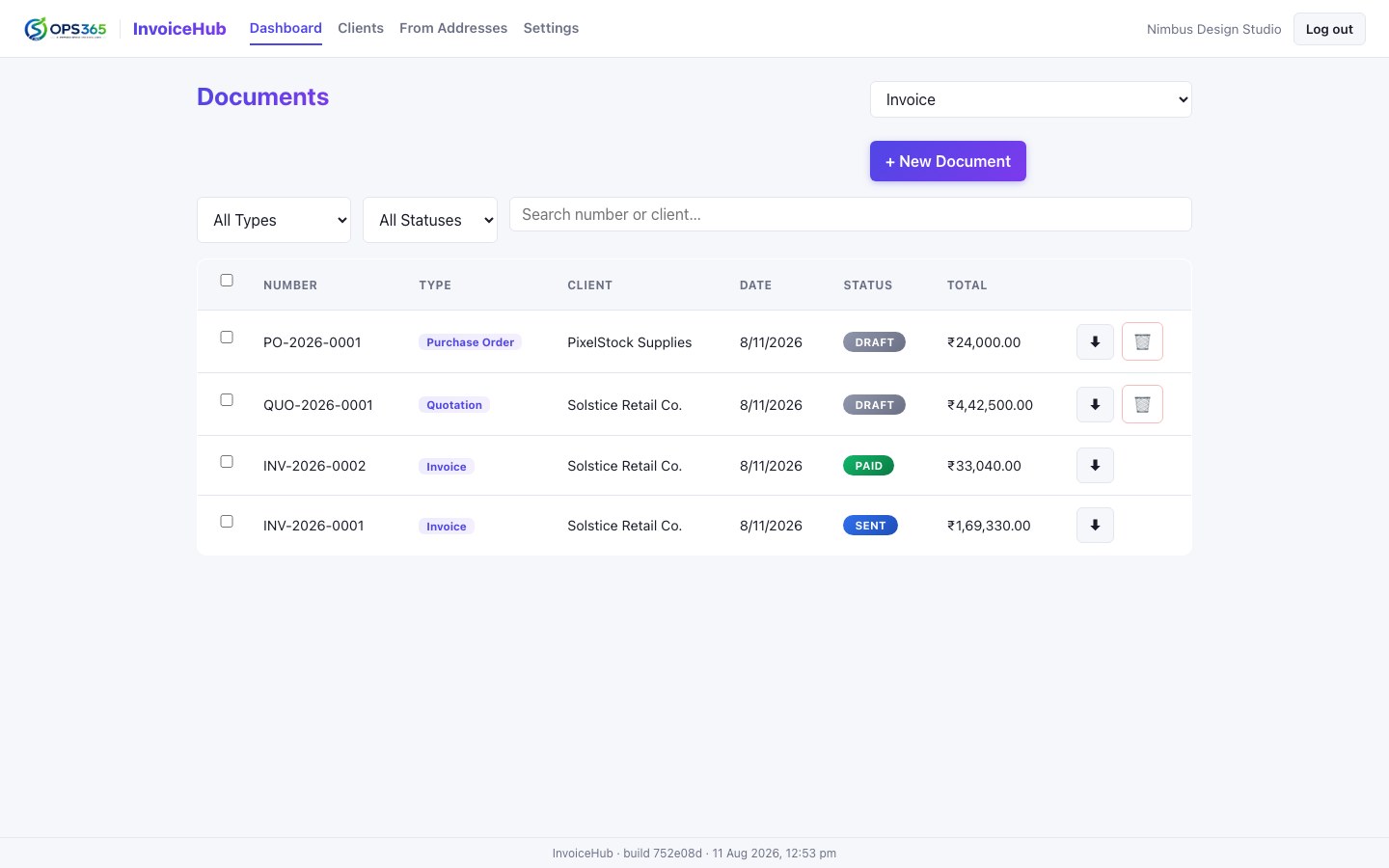
Yes. An accepted Quotation can be converted to an Invoice in one action — line items,
client details, and template all carry over, and both documents stay linked to each other.
How does InvoiceHub handle GST and IGST?
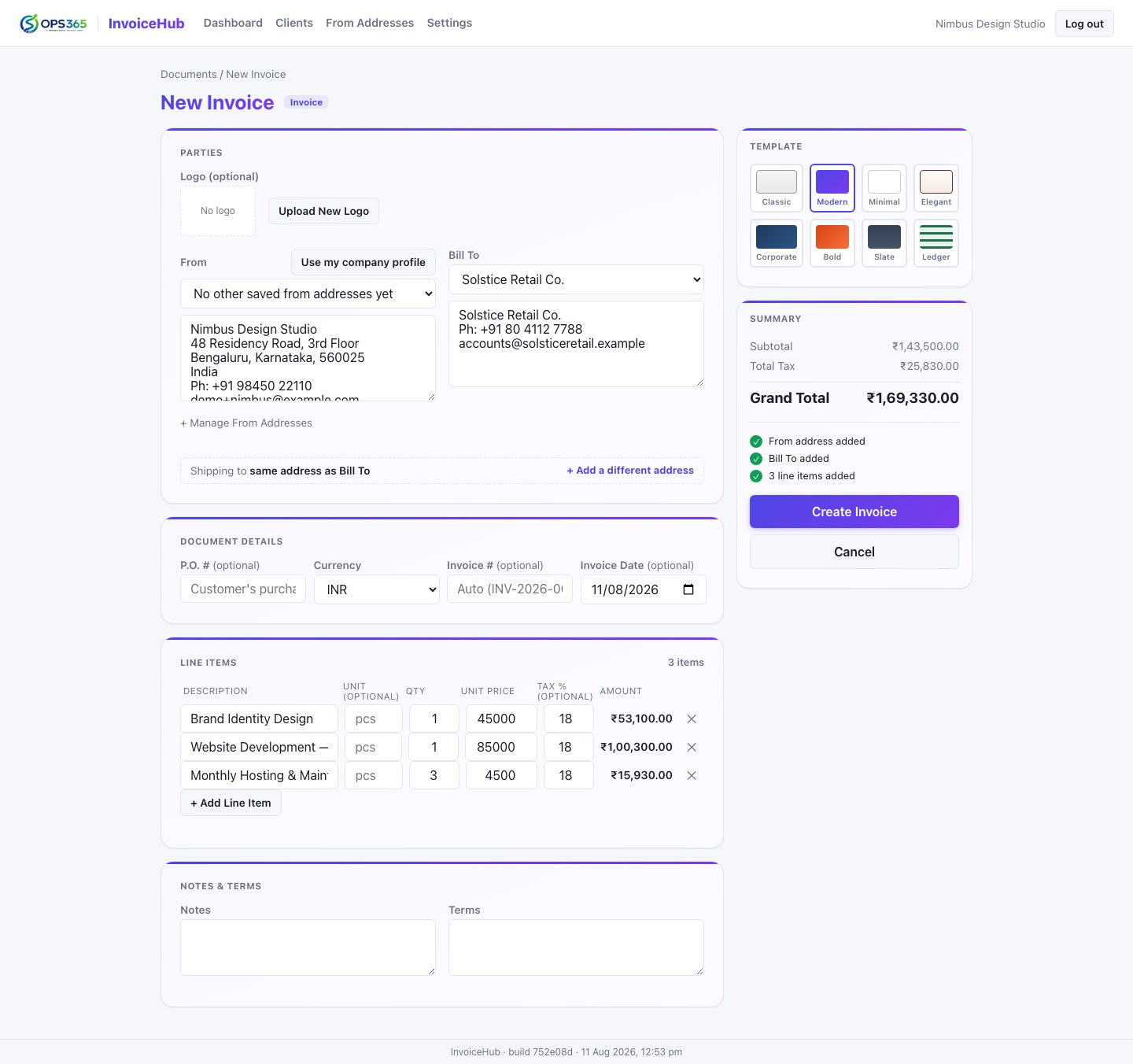
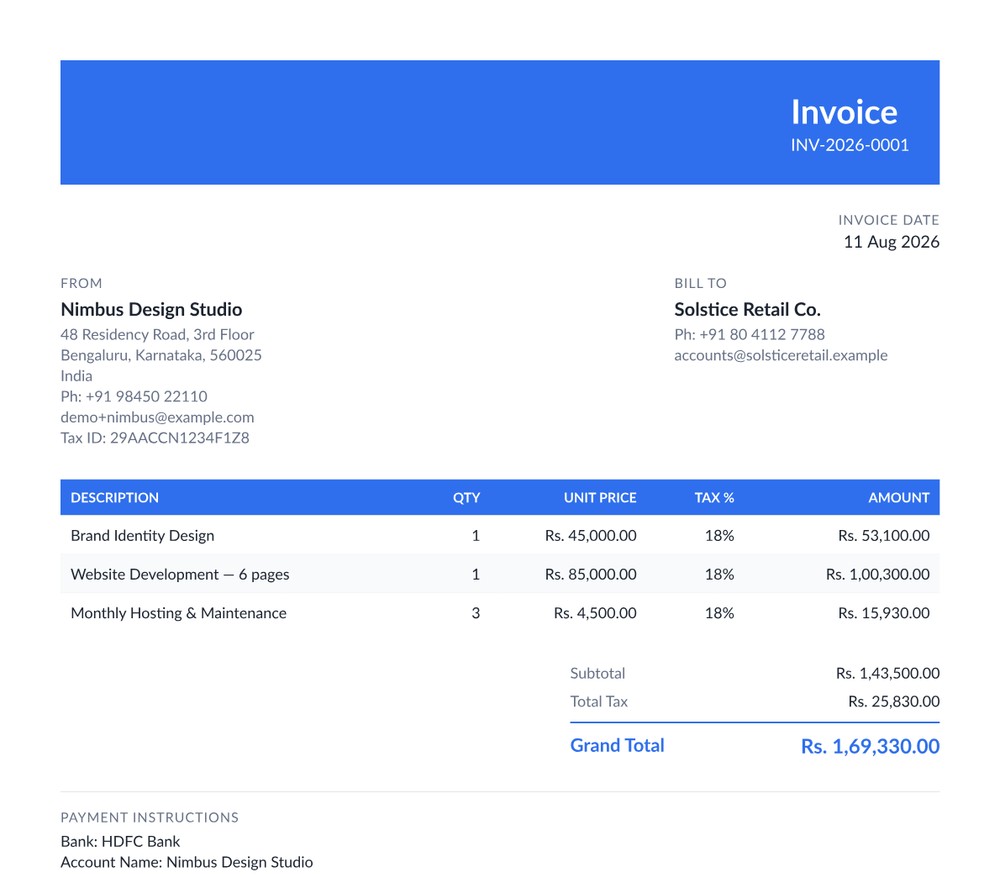
Each line item has its own tax rate, so a single invoice can mix taxable and
tax-exempt items correctly. Whether that tax is GST or IGST, though, is one choice for the whole
document — set once, never mixed line by line — matching how a real invoice is actually taxed
under a single place of supply. Line items also support an optional HSN/SAC code, hidden from
the PDF when none are used.
Which PDF templates are available?
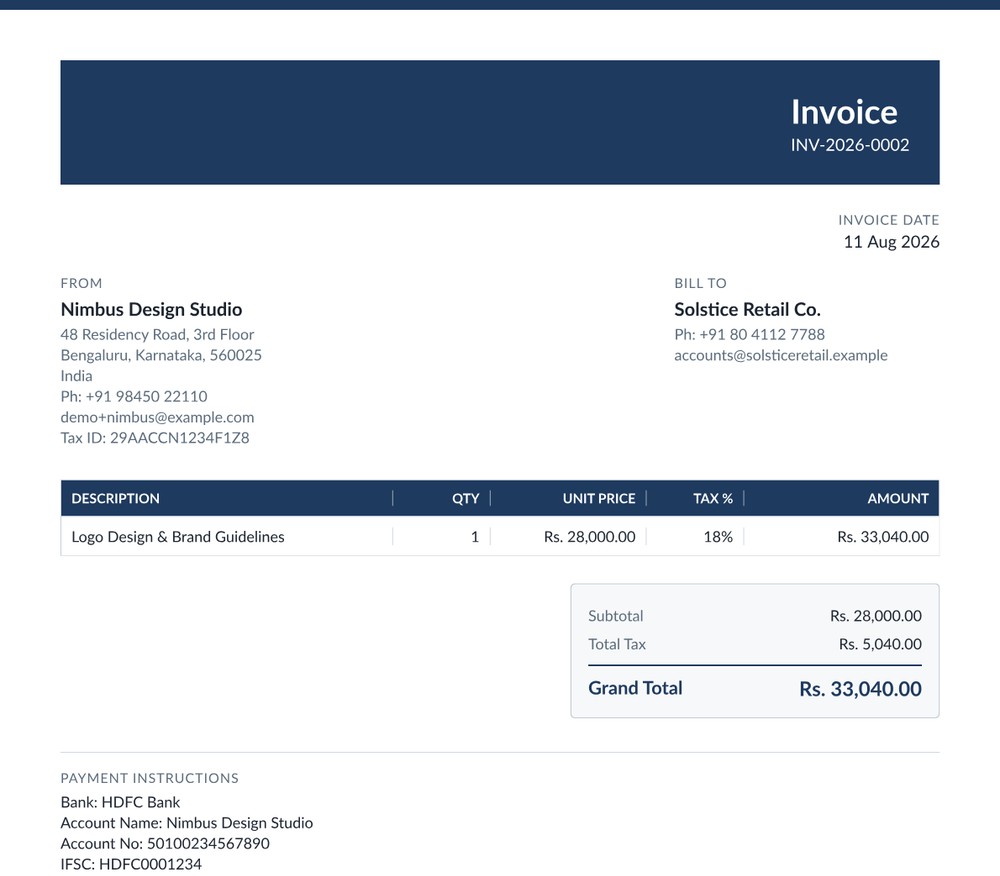
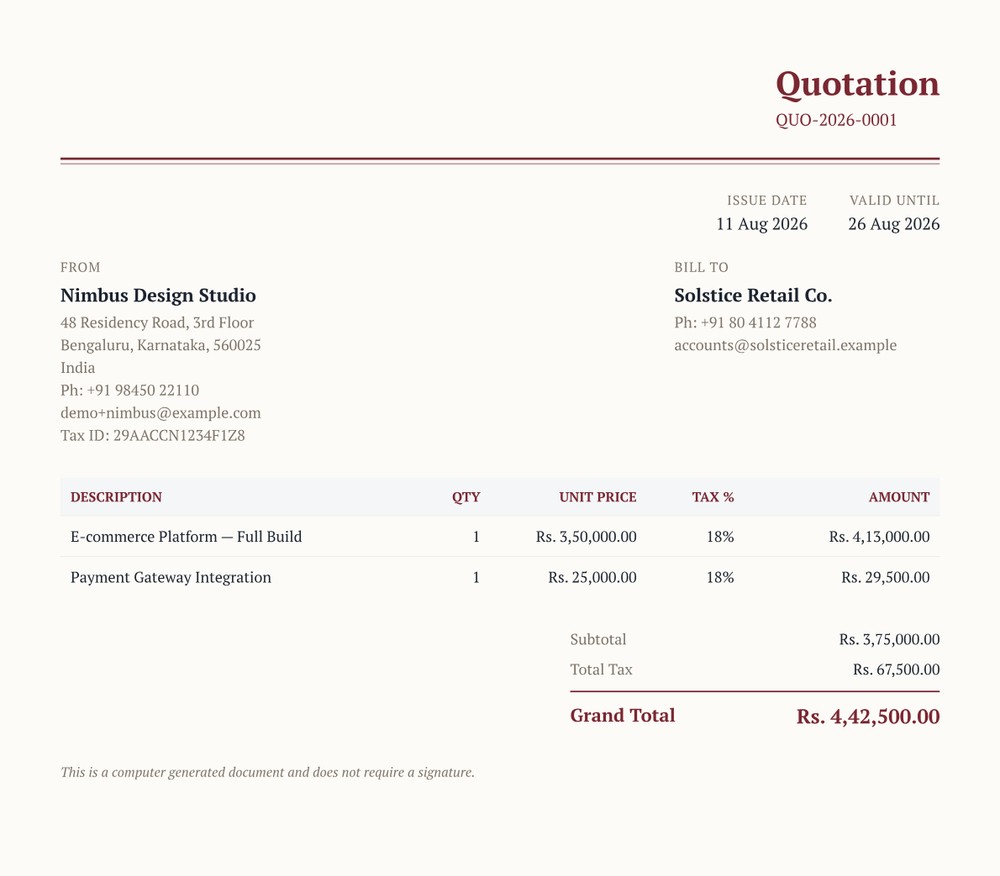
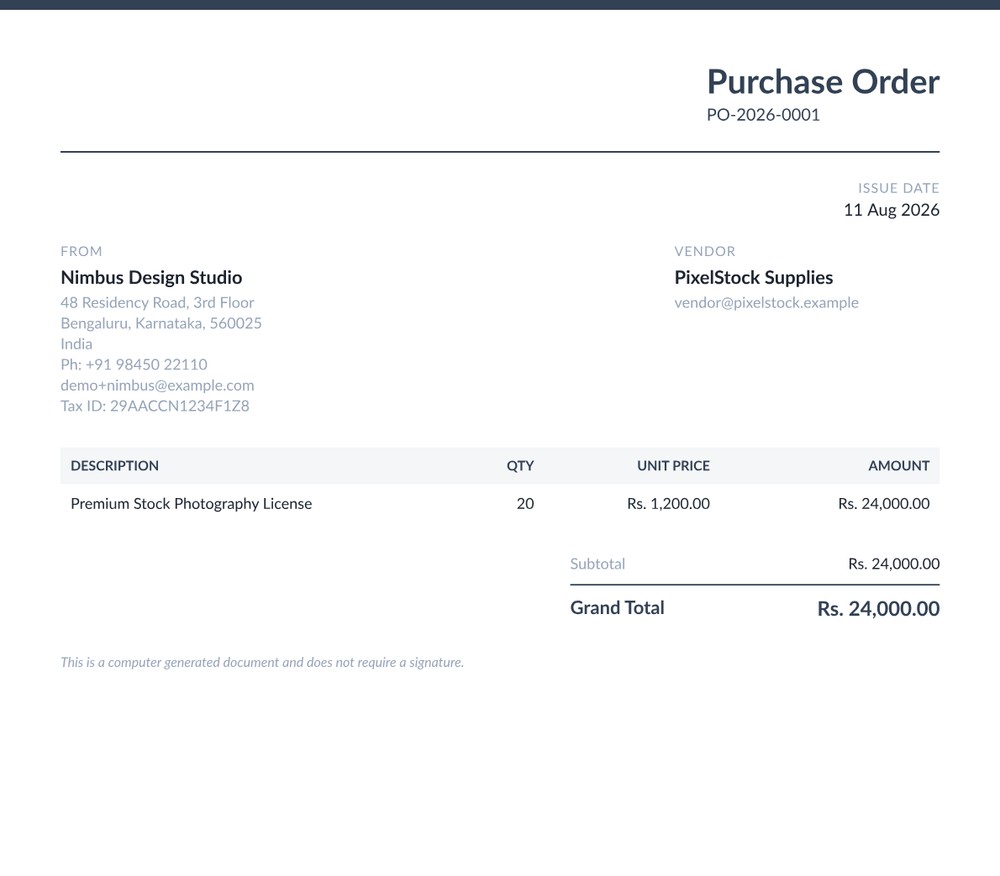
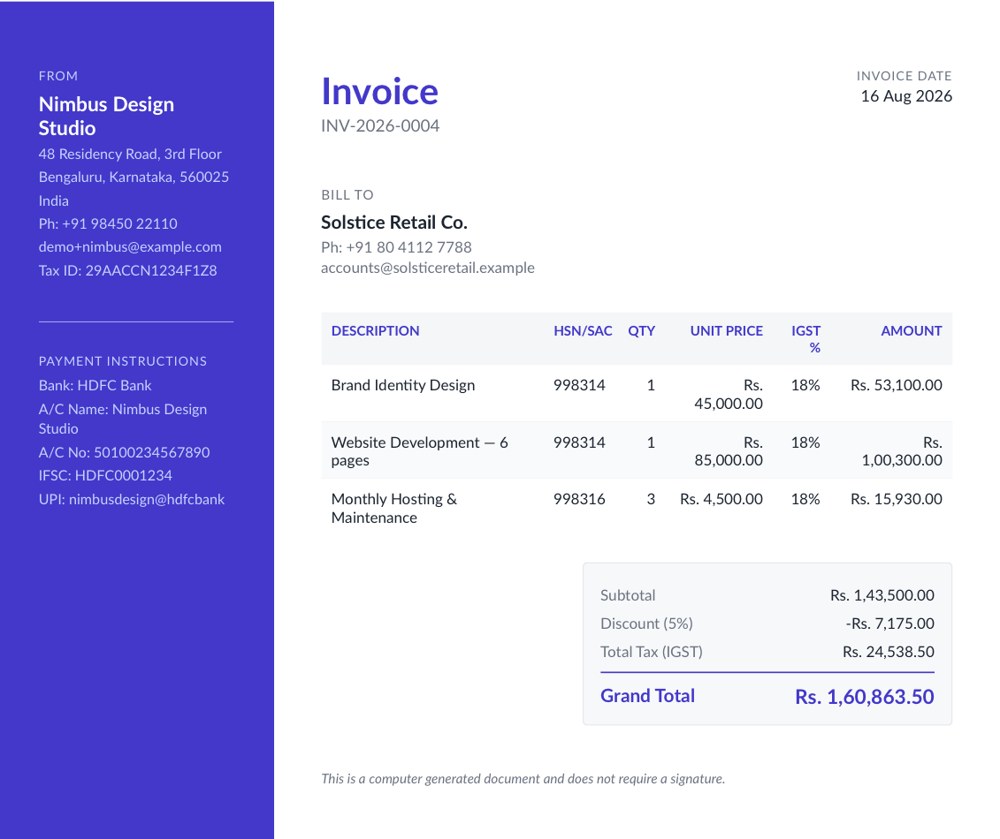
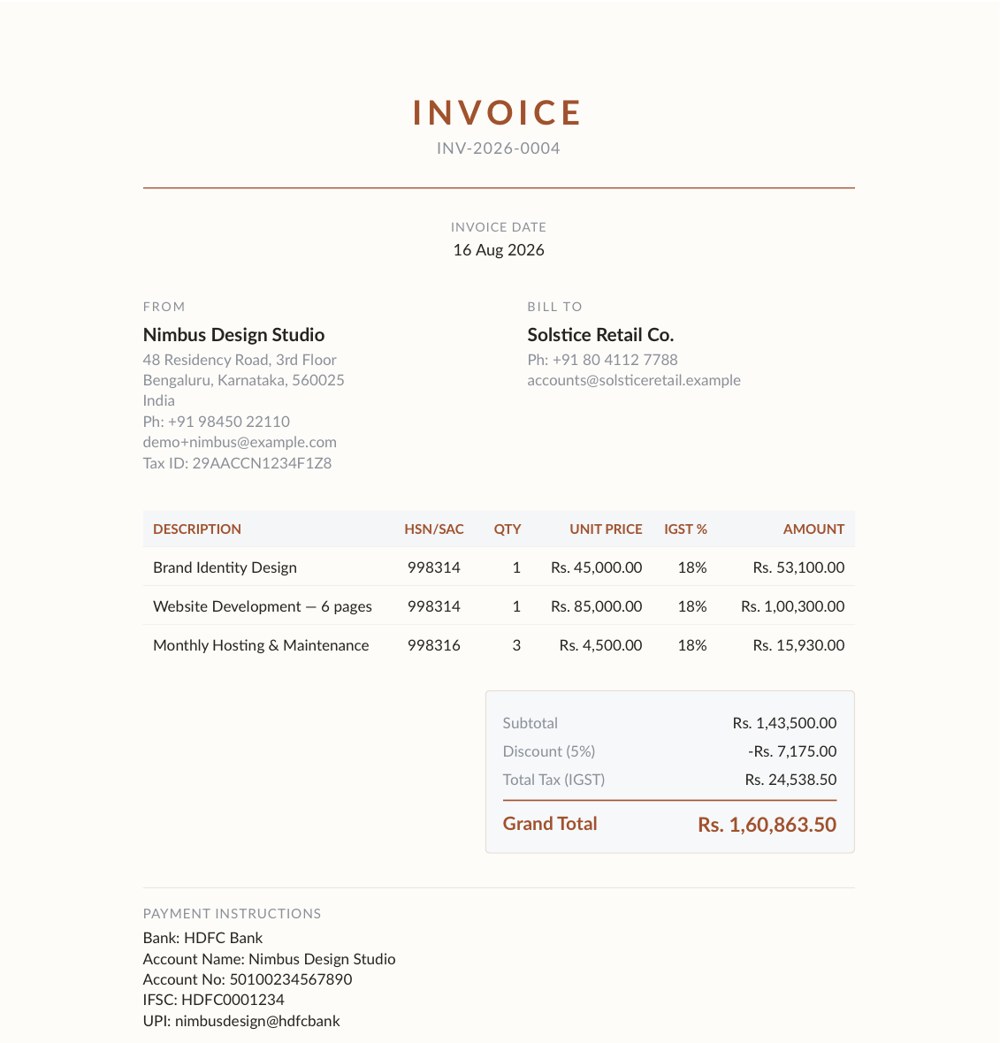
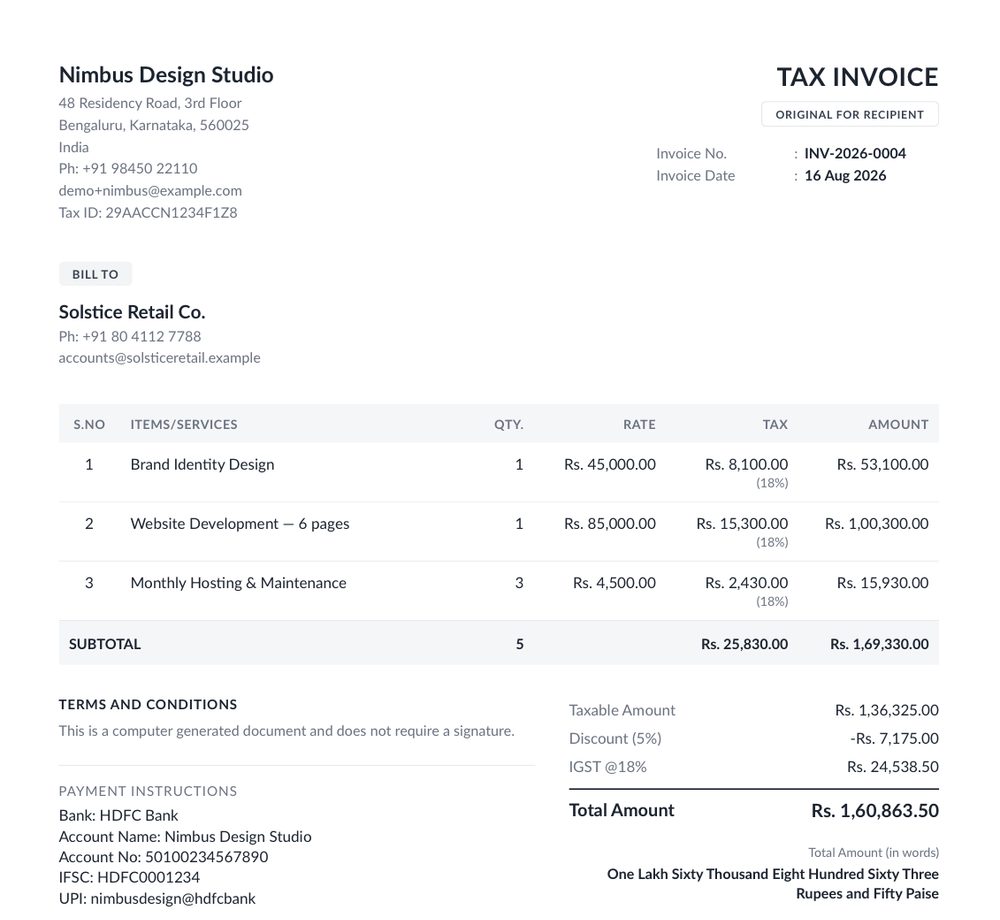
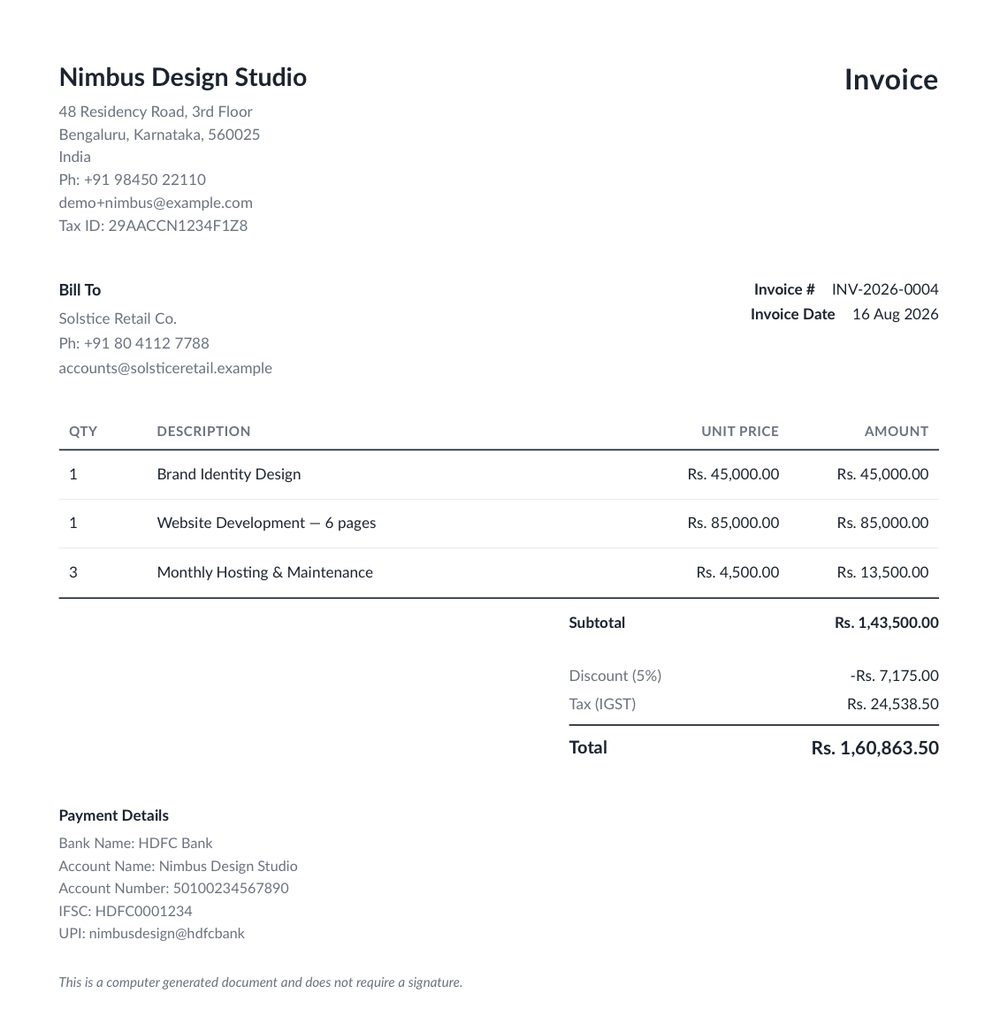
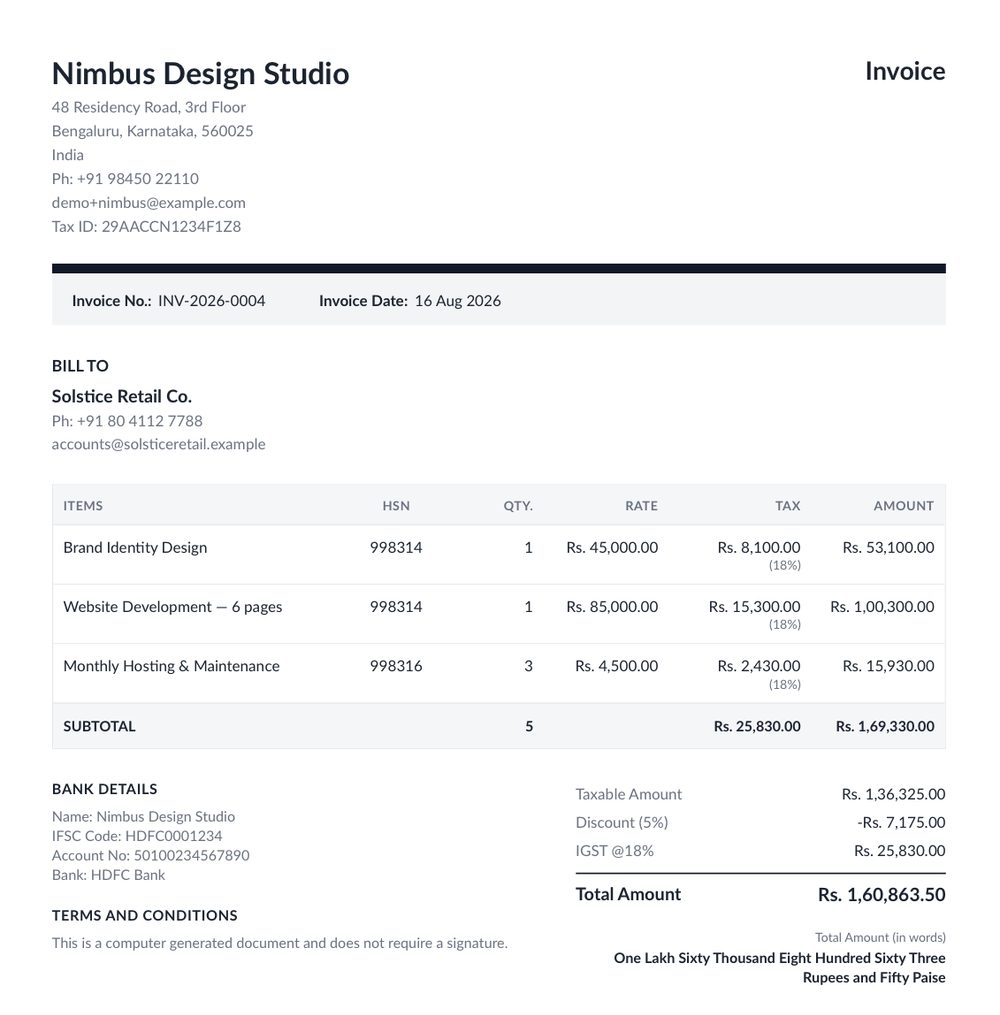
Thirteen professionally designed templates — Classic, Modern, Minimal, Elegant, Corporate,
Bold, Slate, Ledger, Panel, Studio, GST Invoice, Invoice, and Stylish — selectable per document or set as your account default.
Can I use my own business branding on documents?
Yes. Add your company logo, address, and payment details once in Account Settings, and
every generated PDF carries them automatically — including support for more than one
business identity via saved From Addresses.
Is InvoiceHub connected to Ops365?
InvoiceHub is an Ops365 product, built and operated by the same team, but it runs as its
own independent application with its own sign-up — you don't need an Ops365 account to use it.
Can InvoiceHub track multi-phase projects and Government tenders?
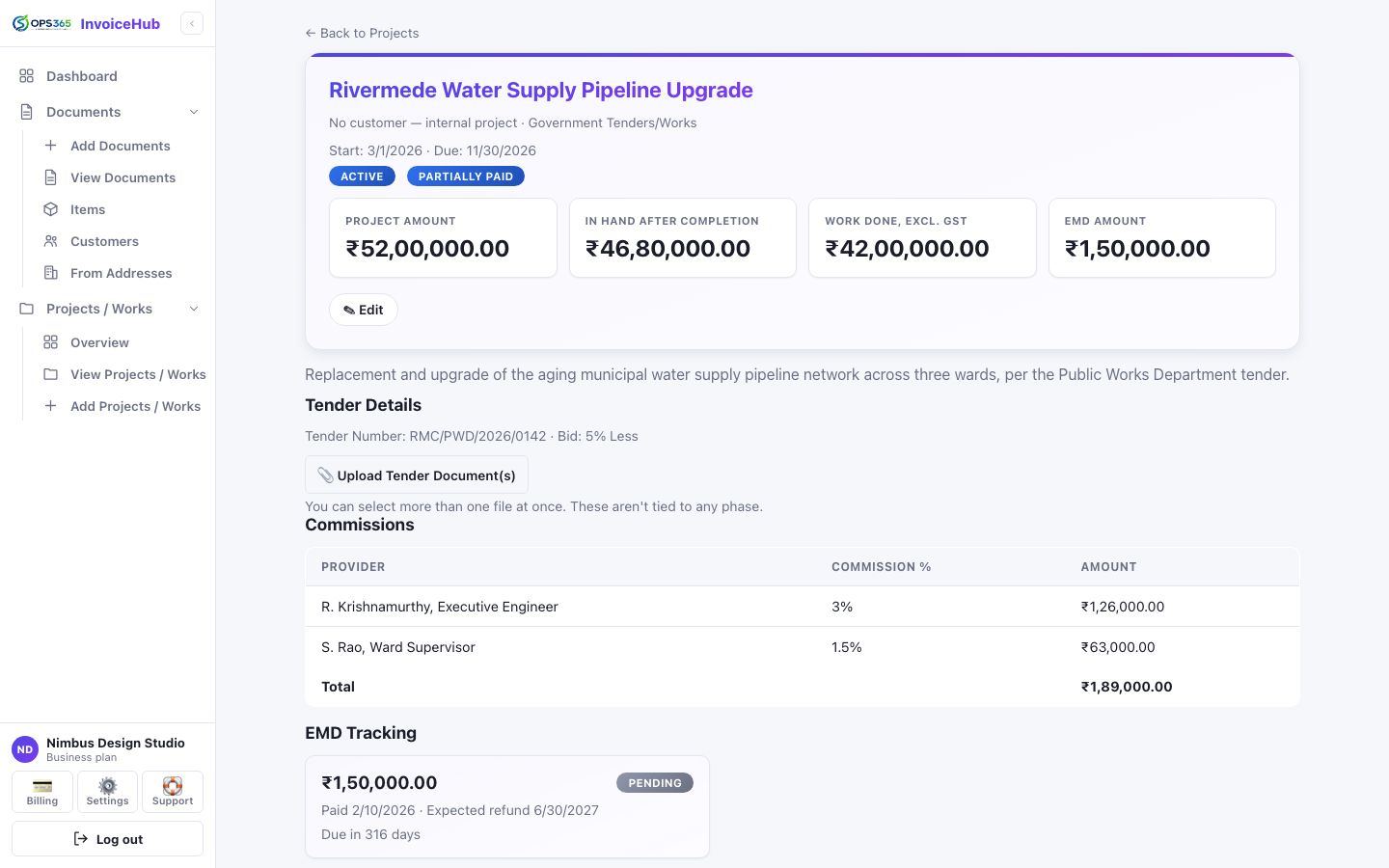
Yes. Break a project into custom phases with their own status and document uploads, and
tag invoices or quotations to it. A dedicated Government Tenders/Works mode also tracks your tender
bid percentage, Work Done Amount, per-provider commission payouts, and an EMD refund countdown —
all computed automatically, not hand-tracked in a spreadsheet.
Can I email invoices and quotations straight to my customers?
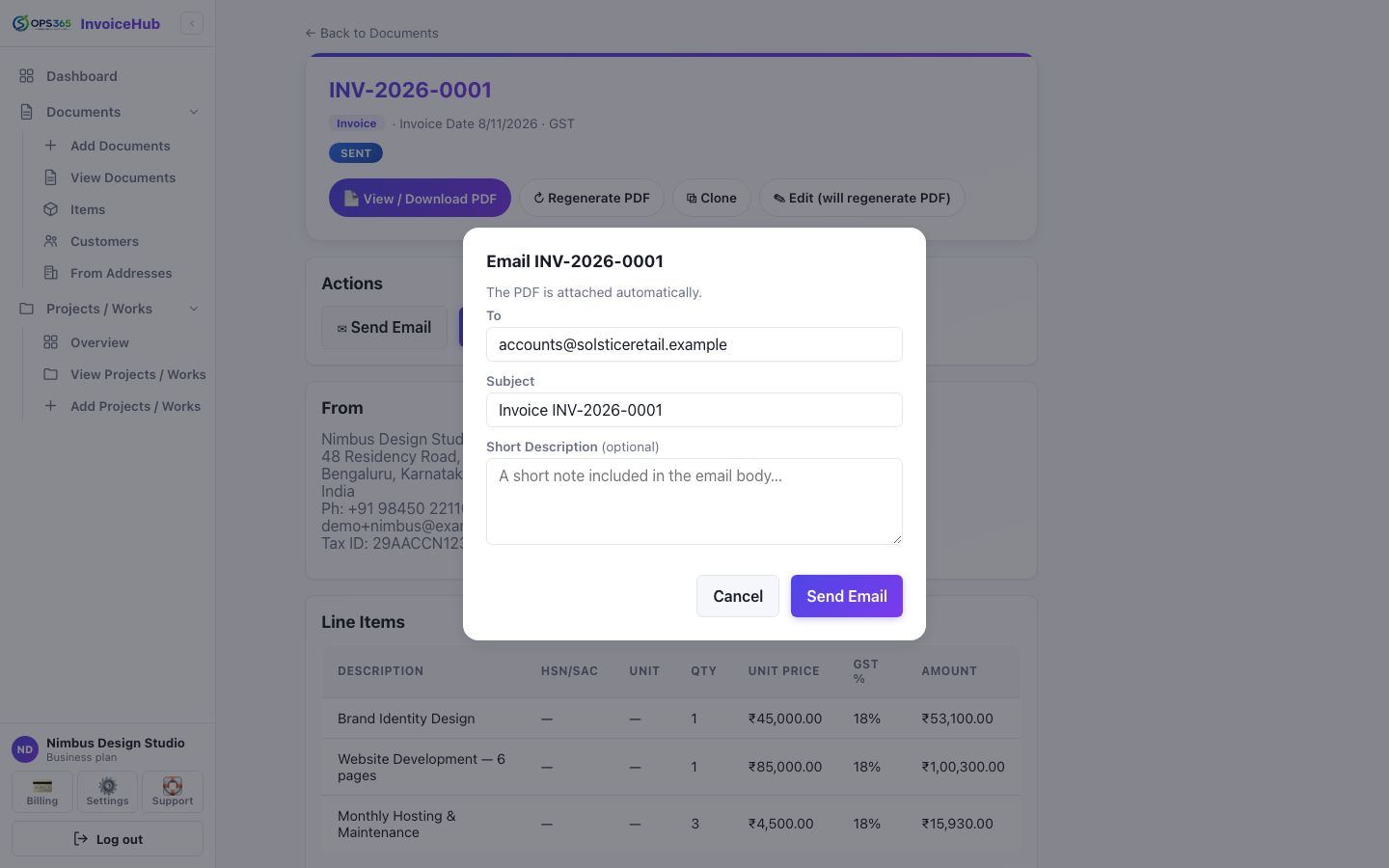
Yes. Send any document by email directly from InvoiceHub, with its already-generated PDF
attached automatically. The From address, Reply-To, and CC all match whichever business identity was
actually printed on that document, so a customer's reply reaches the right inbox — and every send is
logged in that document's own Email History.
Can I see a running balance or statement for a customer?
Yes. Every customer has a Ledger — a running-balance statement built from their
confirmed invoices, receipts, and credit notes, grouped by currency, showing exactly what they owe you
at a glance.